Your own domain
Have your tracking, quote and warranty pages open on your own address, like track.yourcompany.com, with your logo. On the Pro and İşletme plans.
Links sent to customers start with your address instead of islemde.app/t/…. Your main website and email aren't affected; only the subdomain you choose points to İşlemde.
How do you connect it?
Open Settings → Domain.
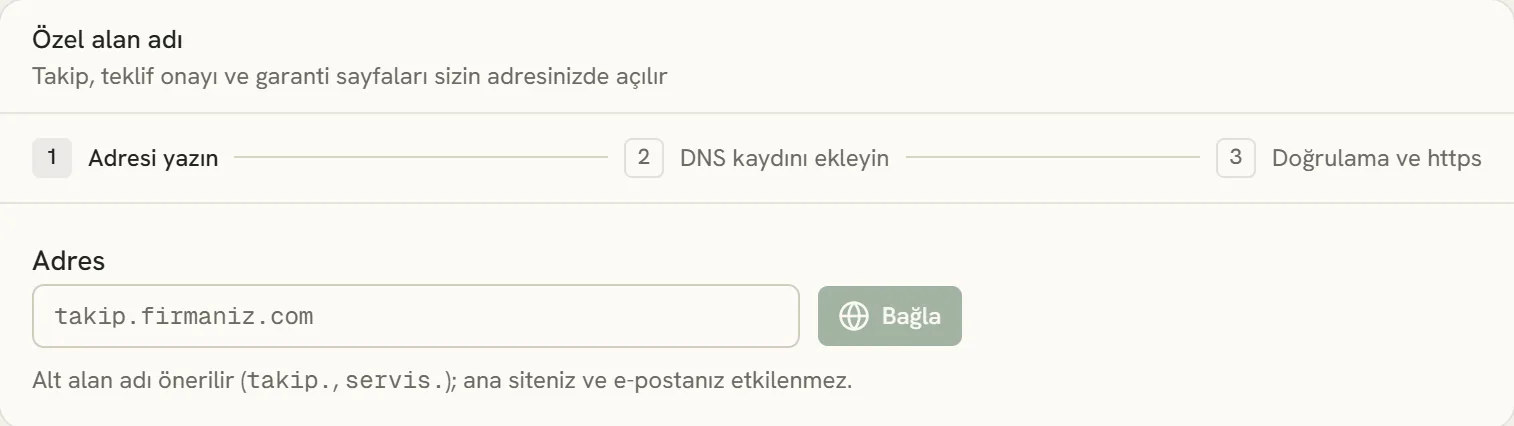
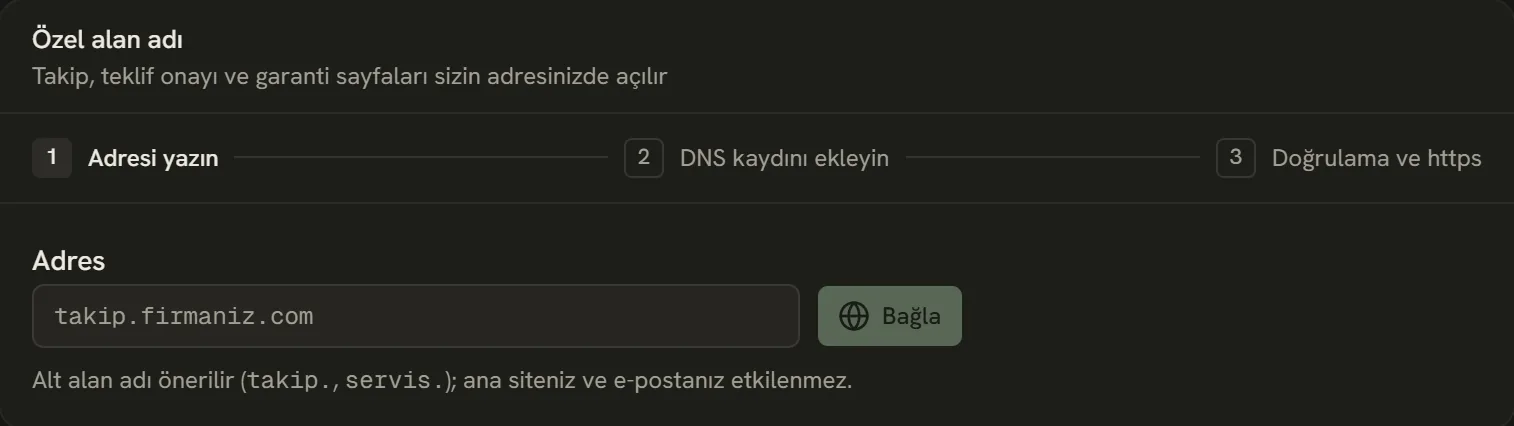
- In the panel of the company you bought the domain from, you add two DNS records: first verification, then routing.
- Choose a subdomain:
track.yourcompany.comorservice.yourcompany.com. - Press Connect. A TXT record unique to you appears on screen.
- Add this TXT record in the DNS / Zone records section of the panel of the company you bought the domain from (GoDaddy, Natro, Turhost, İsimtescil, Cloudflare…). This is how we know the domain is yours:
Type:   TXT
Name:   _islemde.track
Value: islemde-verify=… (the value on screen)- Press Verify. If the record doesn't show up, wait a few minutes and try again.
- After verification, add the routing record:
Type:   CNAME
Name:   track
Value:  cname.vercel-dns.com
Once we see the record, we verify your address and set up the https certificate. DNS records usually take a few minutes to spread, sometimes a few hours.
Connecting your main domain
Instead of a subdomain, you can also connect yourcompany.com; in that case you add an A record instead of a CNAME:
Type:   A
Name:   @
Value:  76.76.21.21
Don't do this if you use your main website; a subdomain is always safer.
If you use Cloudflare, turn off the orange cloud next to the record so it's gray ("DNS only"). Otherwise verification won't complete.
Stuck somewhere? Write to us from Support in the dashboard's left menu; we'll see which screen you're on.