Issuing a warranty certificate
Issue a warranty certificate with one tap at handover. The customer keeps it on their phone and verifies it with a QR code.
Paper warranty certificates get lost, and the "was it under warranty?" question remains. In İşlemde the certificate is tied to the job, so both you and the customer know when it ends.
Issuing the certificate
On the job page, open the Warranty tab.
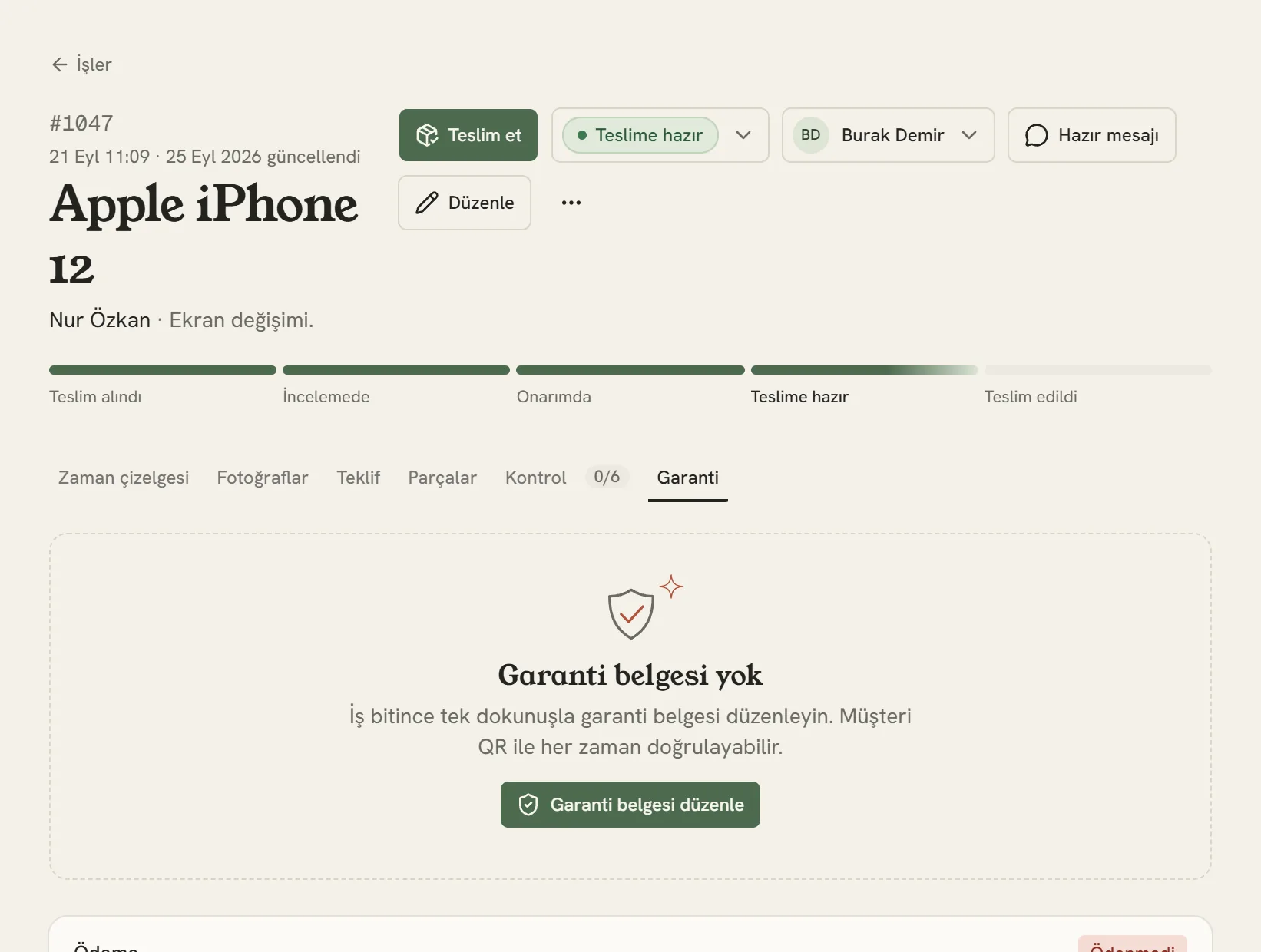
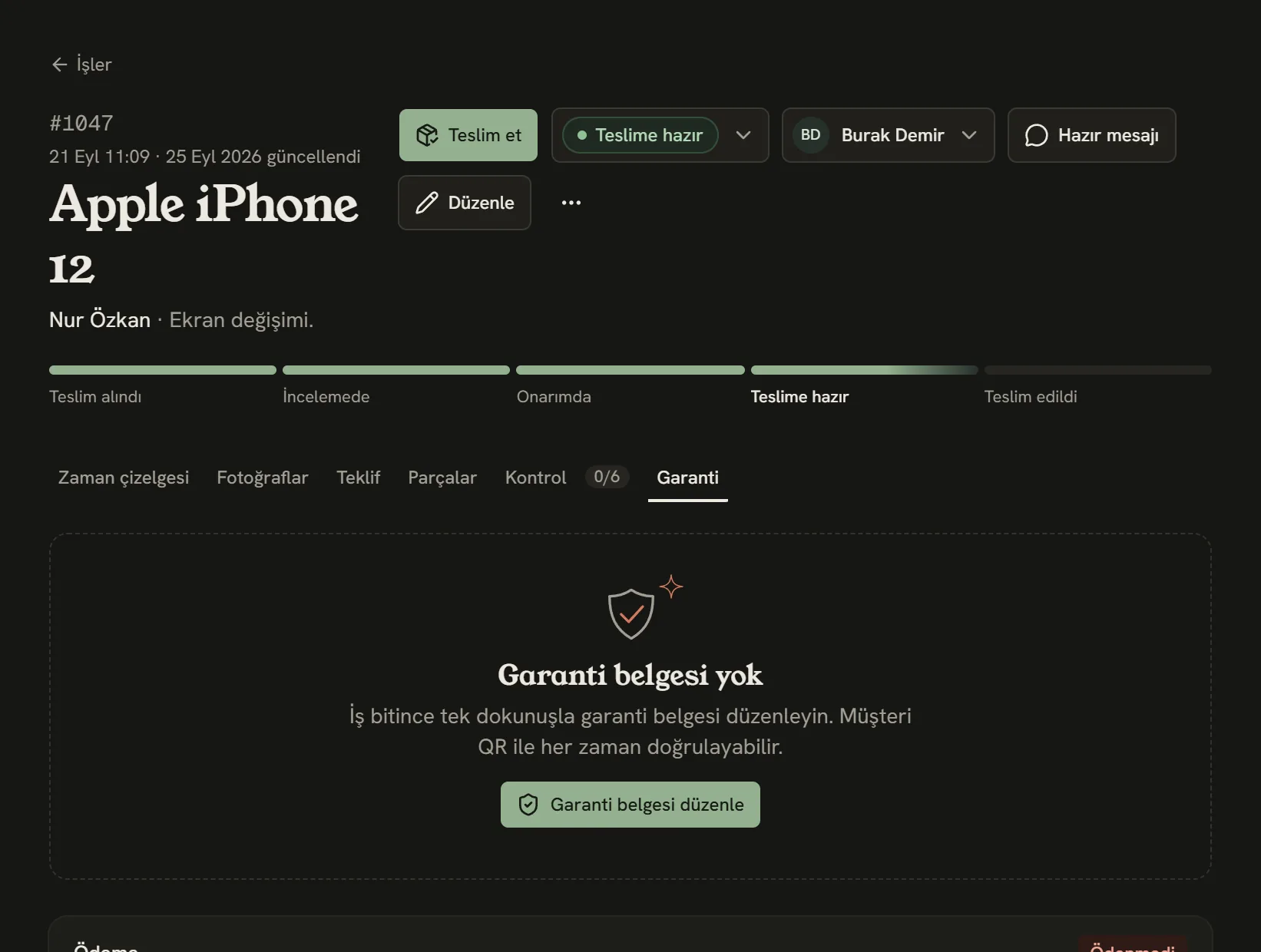
- Warranty tab
- Issue the certificate.
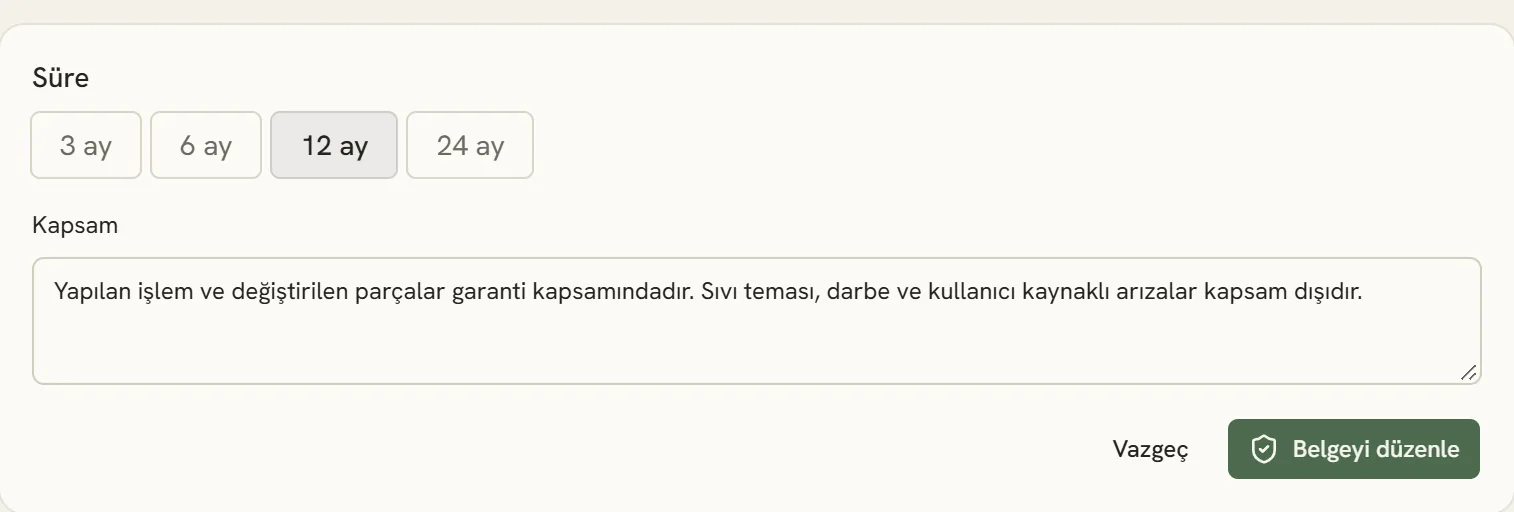
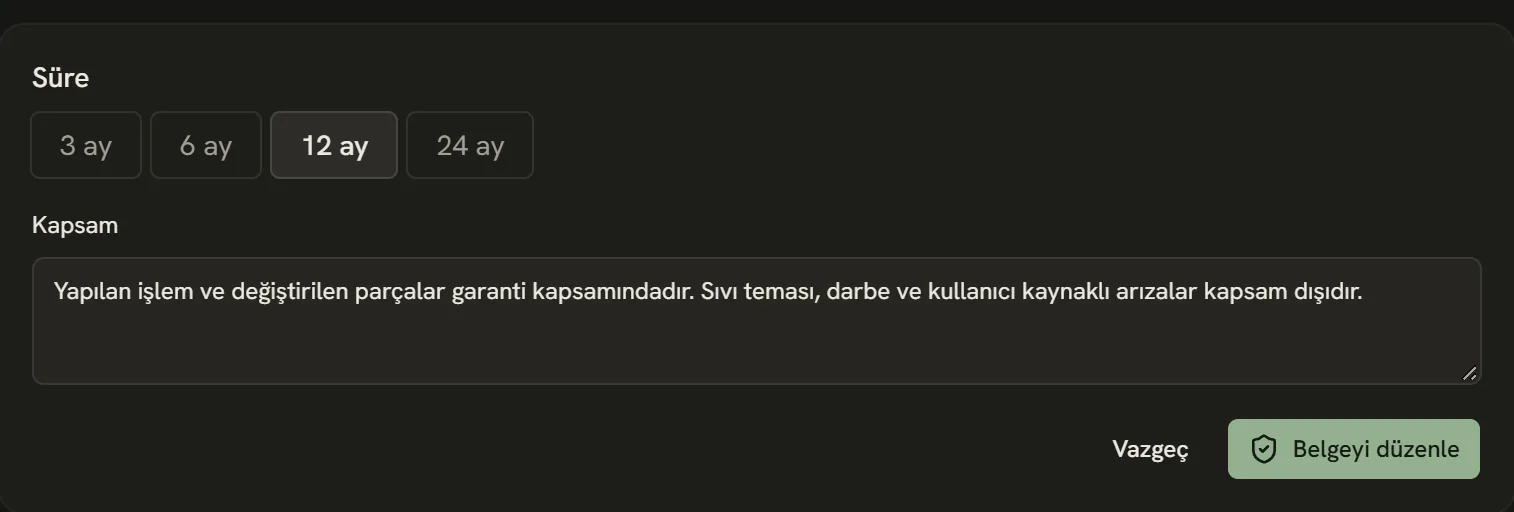
- Warranty period.
- Coverage: what's under warranty and what isn't.
- The certificate is created; its link and verification code appear on the job page.
The certificate in the customer's hands
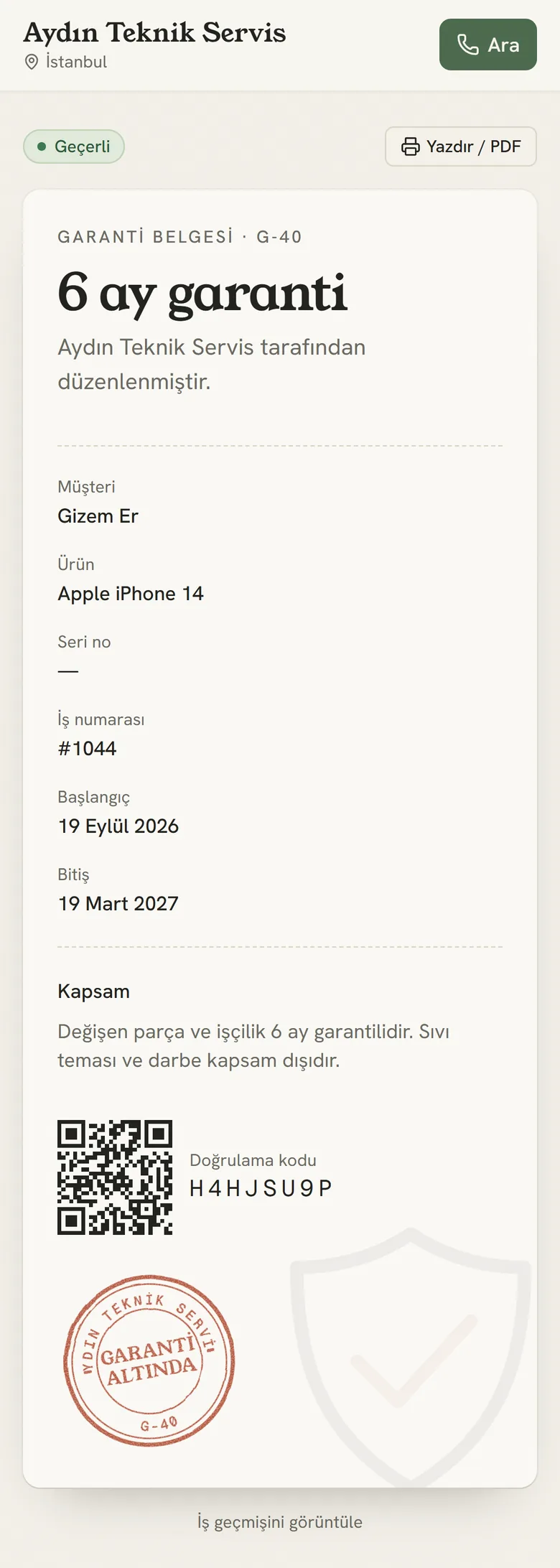
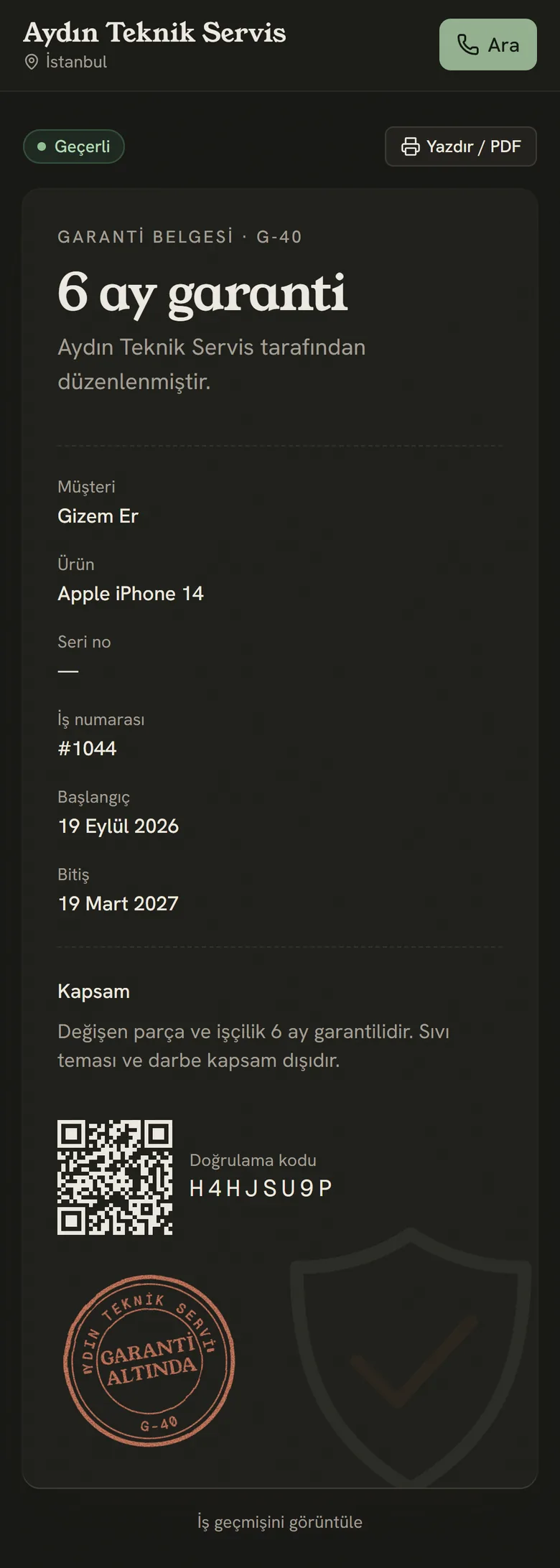
- Whether the certificate is valid or has expired; anyone who opens it can see.
- The customer can print the certificate or save it as a PDF.
- Verification code and QR. Even at another repair shop, anyone can see the certificate is genuine.
A device coming back under warranty
Open a new job for a device that comes back under warranty; the customer's earlier jobs appear on their customer page. You can find all certificates, with their end dates, on the Warranties page in the left menu.
Stuck somewhere? Write to us from Support in the dashboard's left menu; we'll see which screen you're on.