Ready-made WhatsApp messages
Write the texts the "Send on WhatsApp" button opens in your own words. The message goes from your phone, when you send it.
The WhatsApp button on the job page and the quote's Send on WhatsApp button open WhatsApp with a ready-made message addressed to the customer's number. Before sending, you read the message, change it if you like, and send it from your own phone or computer.
You don't need to connect your WhatsApp Business number to İşlemde for this; having WhatsApp installed is enough.
Editing the texts
Open the Ready-made messages tab on Settings → Customer messaging → WhatsApp.
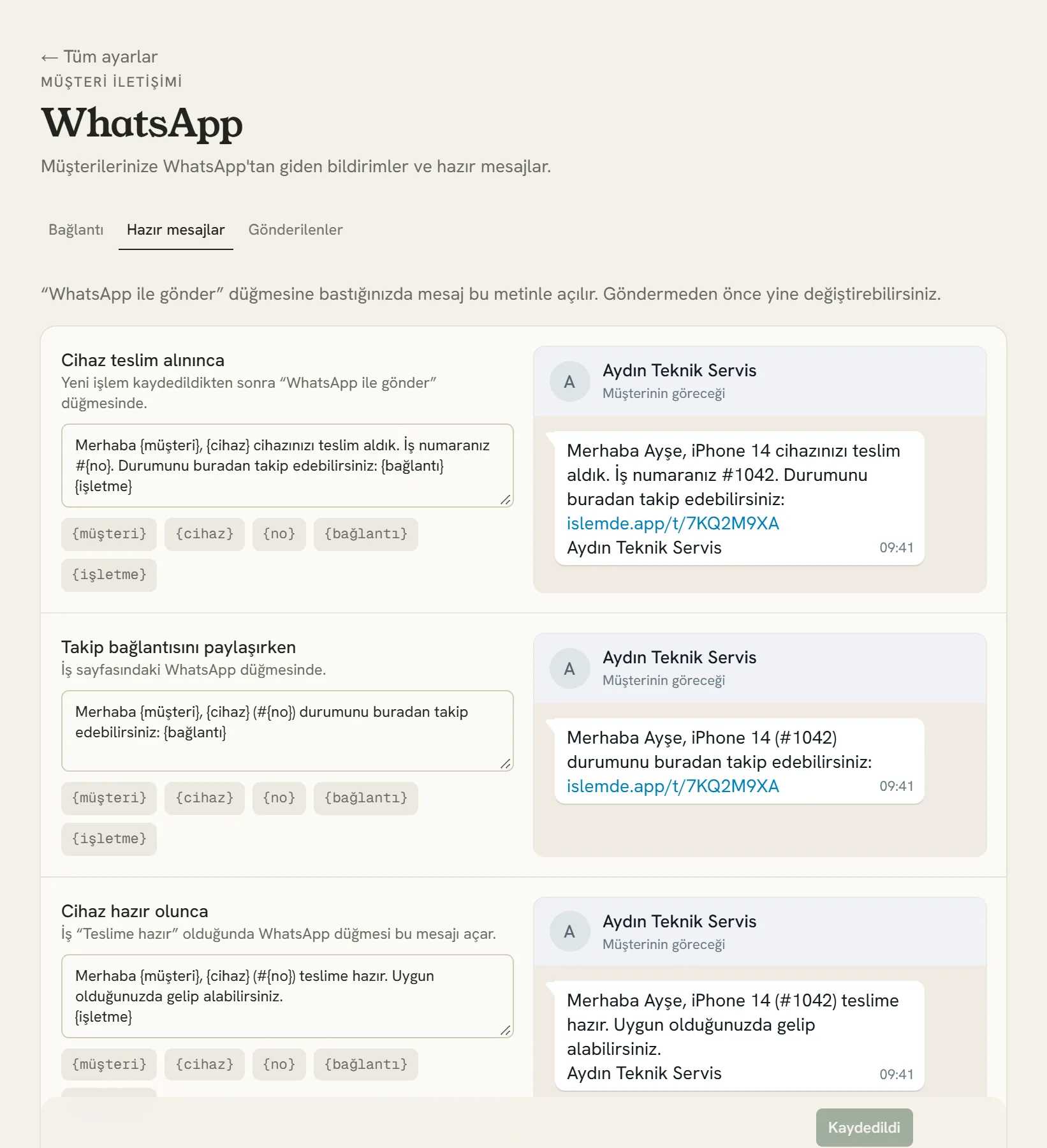
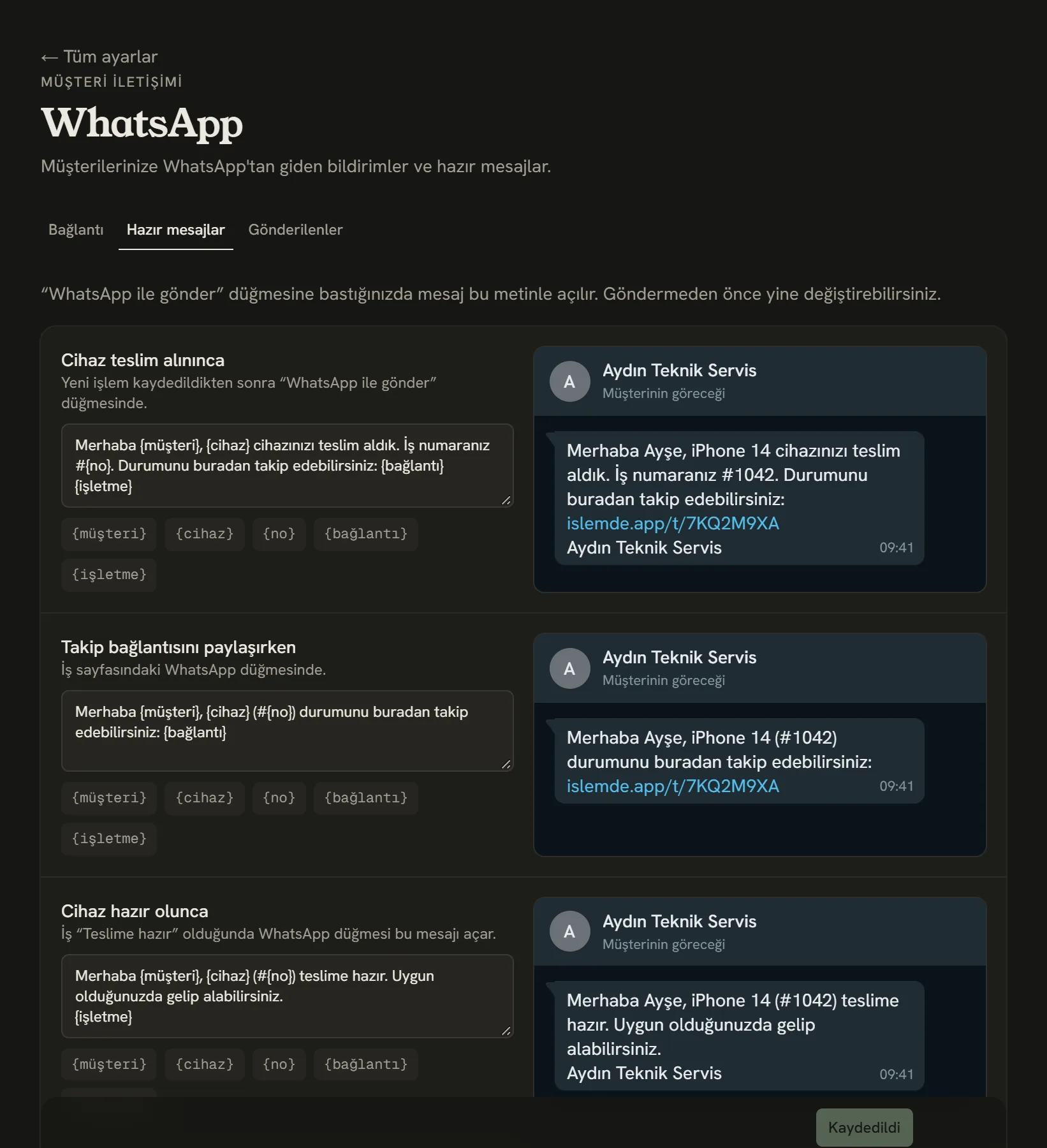
- Write the text however you like.
- The detail you tap is inserted where the cursor is.
- How the message will look on the customer's phone.
| Text | Where it opens |
|---|---|
| When the device is checked in | On the Send on WhatsApp button that appears after a new job is saved. |
| When sharing the tracking link | On the WhatsApp button on the job page. |
| When the device is ready | When the job becomes "Ready for pickup", the button turns into Ready message and opens this text. |
| When sending a quote | On the Send on WhatsApp button of a sent quote. |
Details in curly braces are filled in with that job's details when you send:
| Detail | What it shows |
|---|---|
{müşteri} | The customer's name |
{cihaz} | Brand and model, or the device type |
{no} | Job number |
{bağlantı} | The customer's tracking page |
{işletme} | Your business name |
{tutar}, {onay} | In the quote text: the quote total and the approval link |
To bring a text you changed back to how it was, tap Default next to it. When you're done, tap Save messages.
Only the business owner sees this page. Your team uses the buttons but can't change the texts.
Ready-made message or automatic notification?
| Ready-made messages | Automatic notifications | |
|---|---|---|
| Who sends it? | You, by tapping the button, from your own WhatsApp | İşlemde, by itself |
| From which number? | The WhatsApp on your phone | The WhatsApp Business number you connected to İşlemde |
| Who decides the text? | You, on this page | Fixed texts approved by Meta |
| If it doesn't arrive? | You see it yourself | The same message goes by SMS |
For automatic notifications: Automatic notifications and SMS fallback.
Stuck somewhere? Write to us from Support in the dashboard's left menu; we'll see which screen you're on.